SPECIFICATIONS
Accessories Type: Controller Adapter
Brand Name: RetroScaler
Choice: yes
Compatible Brand/Model: SEGA
Compatible Sega Model: DREAMCAST
Electric: No
Feature 1: Can connect up to 4 bluetooth controllers simultaneously
Feature 2: Support firmware updatable
High-concerned chemical: none
Model Number: RSBL-231147
Origin: Mainland China
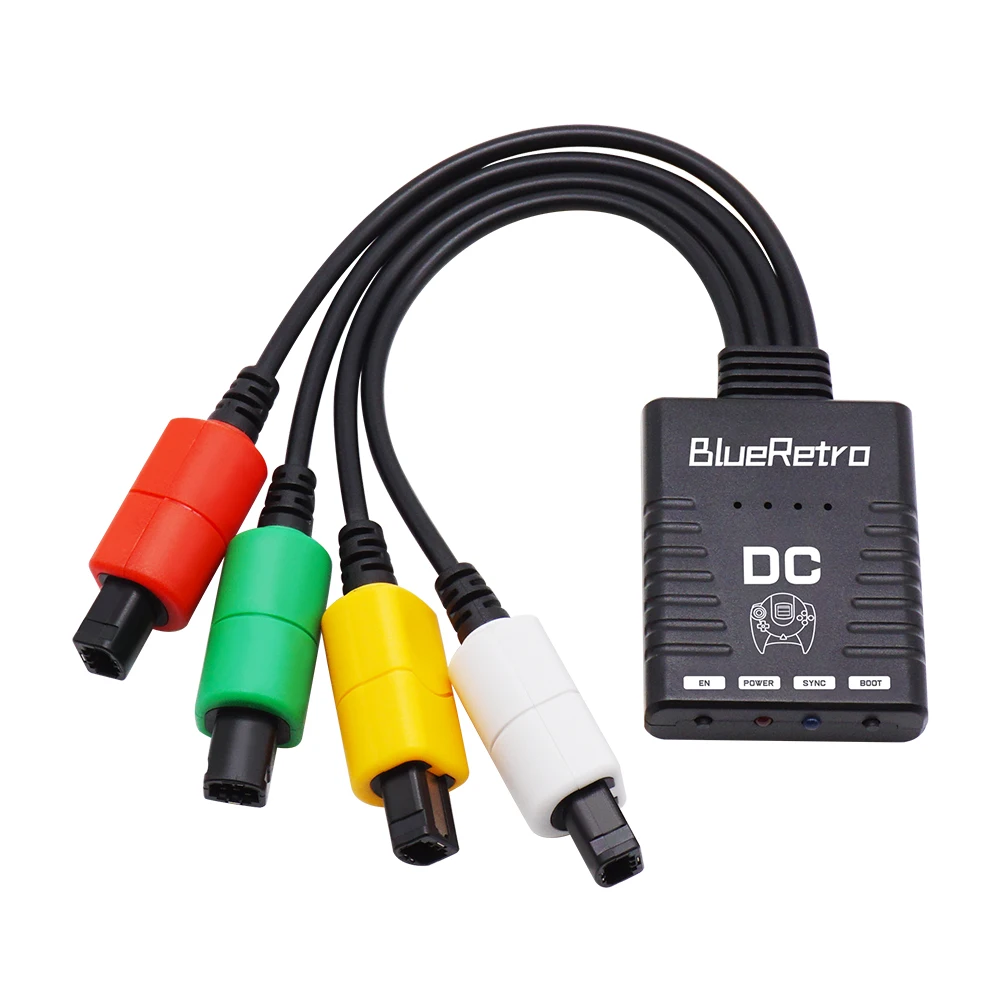
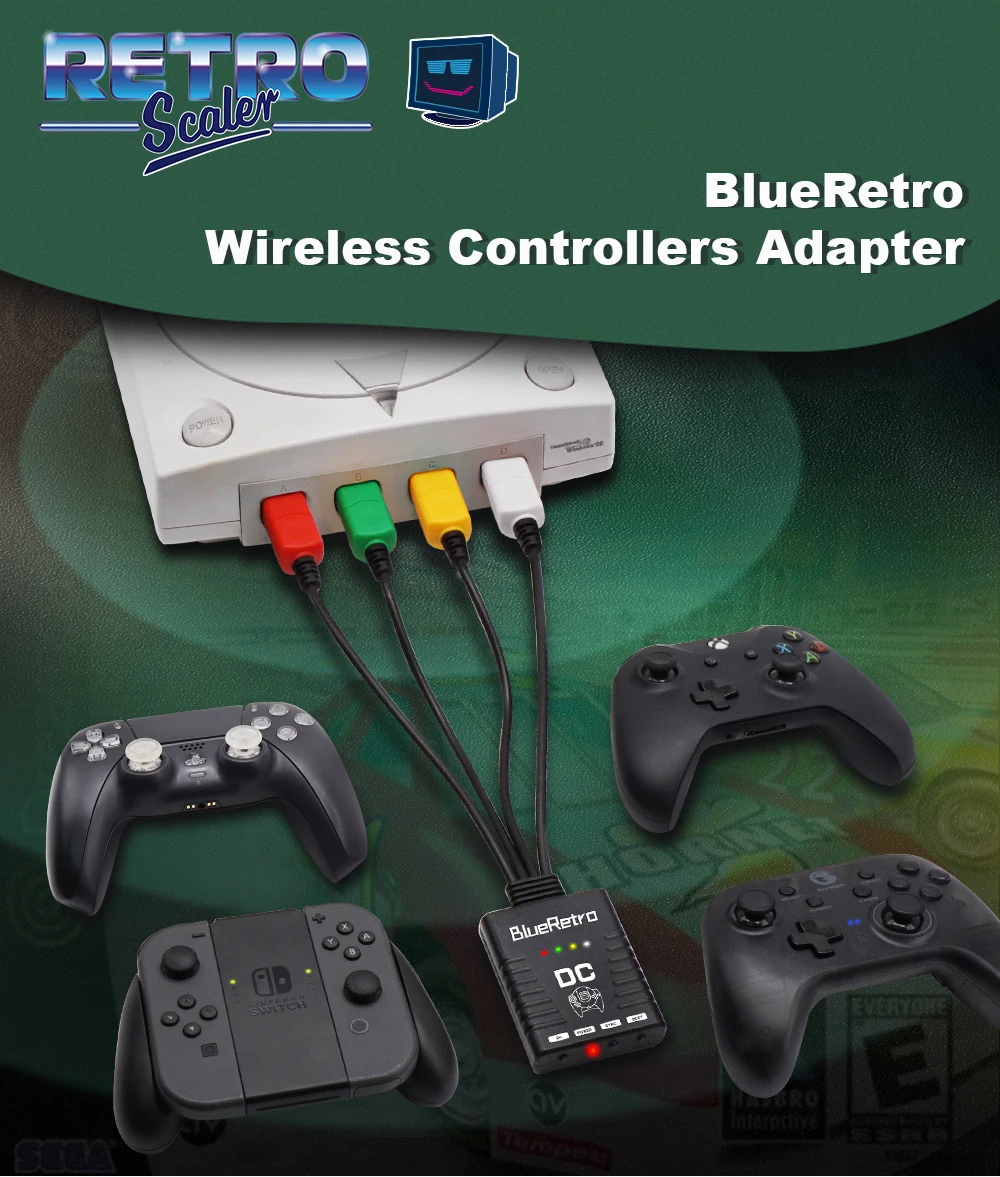
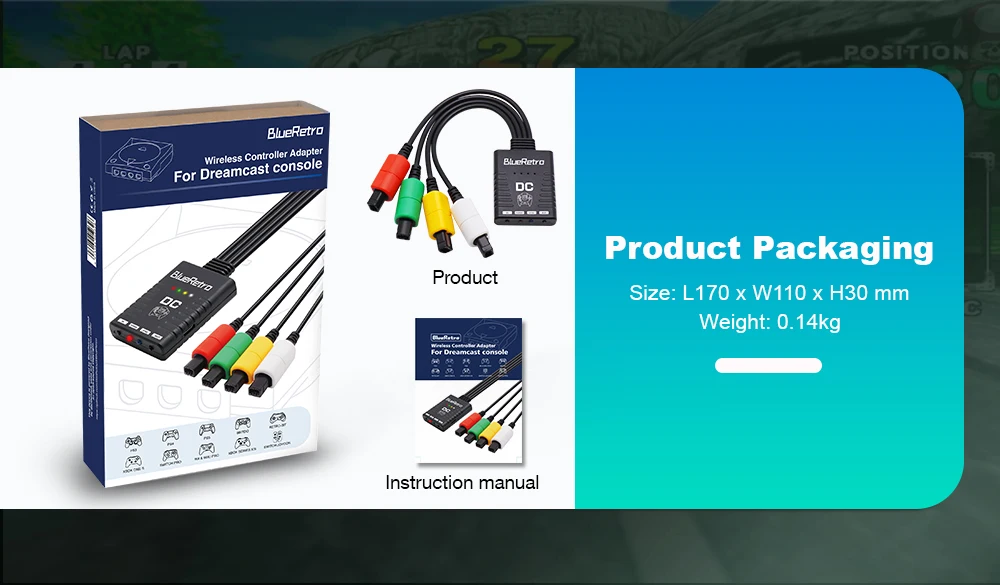
Product: BlueRetro Wireless Controller Adapter
With USB: yes
is_customized: no
For product technical support:
1. Please join the RetroScaler Discord :discord.gg/aryJd43VWJ
2. Please visit RetroScaler Official Store to contact customer service. ( https://retroscalerretroscaler.aliexpress.com/store/1101511602?spm=)
3. E-mail :barry@retroscaler.com
4. Visit RetroScaler on Youtube to see more videos of the product in use.
( https://www.youtube.com/@RetroScalerOffcial)
RetroScaler BlueRetro Wireless Game Controller Adapter For SEGA DreamCast Console
NOTICE:
The 8bitdo m30 controller is in joystick mode by default. Please press and hold the "Up" + "Select" keys on the controller for about 5 seconds to switch it to D-pad mode to solve the button non-working problem.
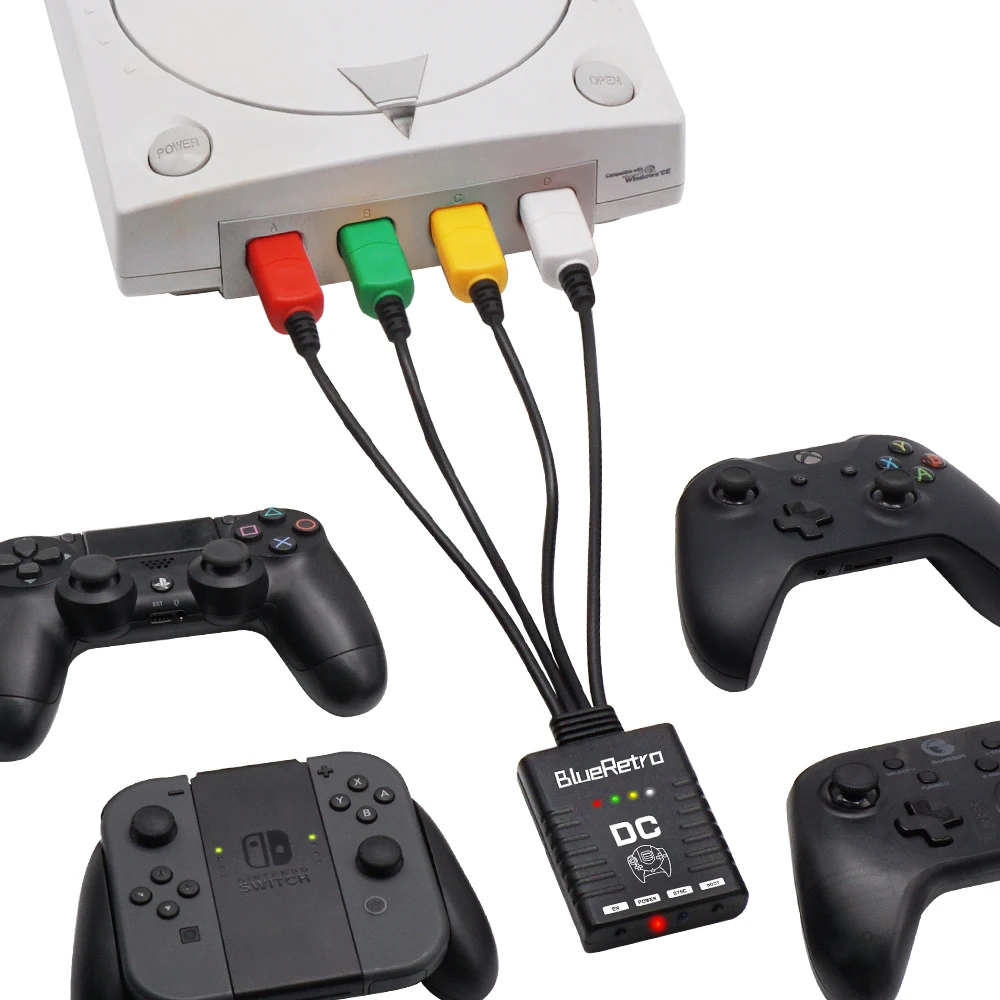
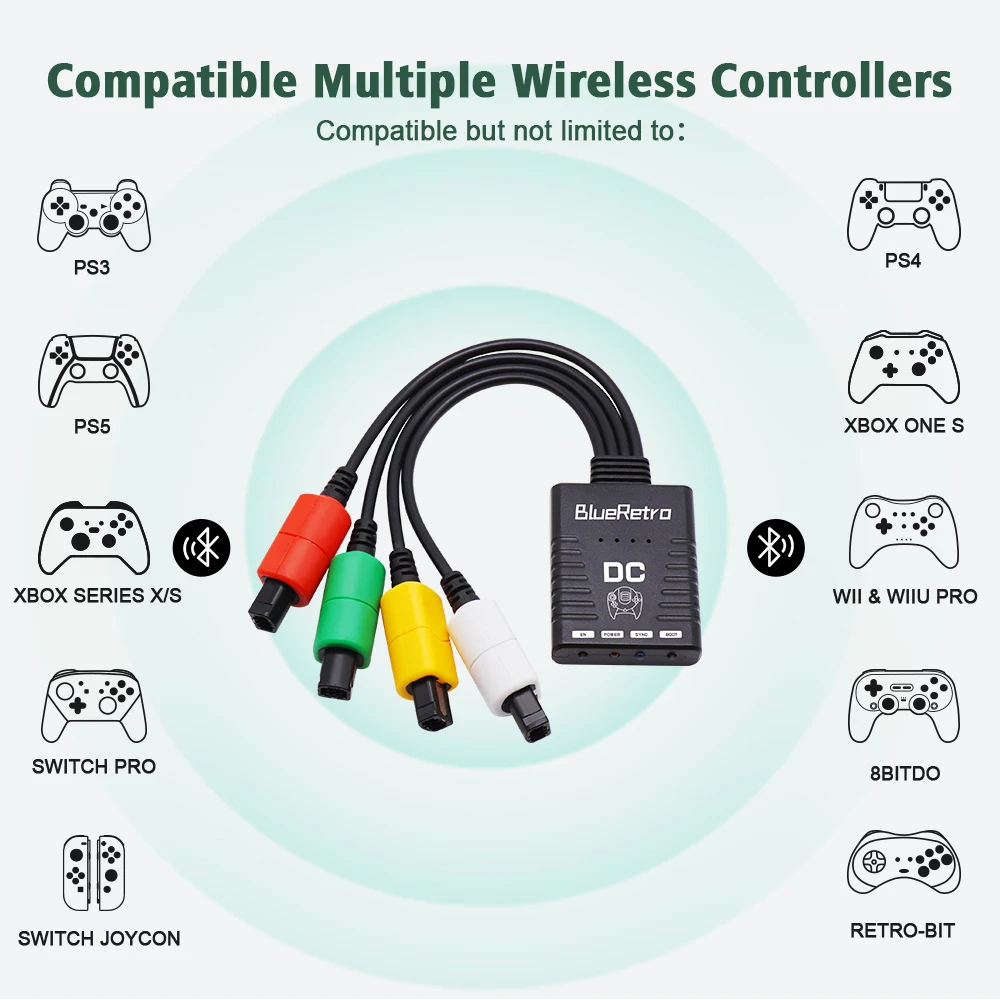
BlueRetro, a multiplayer Bluetooth controllers adapter for Dreamcast consoles, is an open source project based on darthcloud. It uses the popular ESP32 chip. It can support original Wii, Switch, PS3, PS4, PS5, Xbox One console wireless controller.
This new adapter allows for the use of up to 4 connected Bluetooth controllers.
More operation video, please visit:https://www.youtube.com/@RetroScalerOffcial/videos
For product technical support, please join the RetroScaler Discord (https://discord.gg/A2yKHJ3szX).

About the Firmware Upgrade Operation: https://www.retroscaler.com/archives/415
1. Press and hold the PAIR button before connecting the Blueretro adapter to the PC with a USB cable.
2. If the PC cannot recognize the adapter, please try to install the CH340 driver in the PC.
Video for Configure key-value: https://hackaday.io/project/170365-blueretro/log/180020-web-bluetooth-ble-configuration-interface
More Controller Pairing Guide: https://github.com/darthcloud/BlueRetro/wiki/Controller-pairing-guide
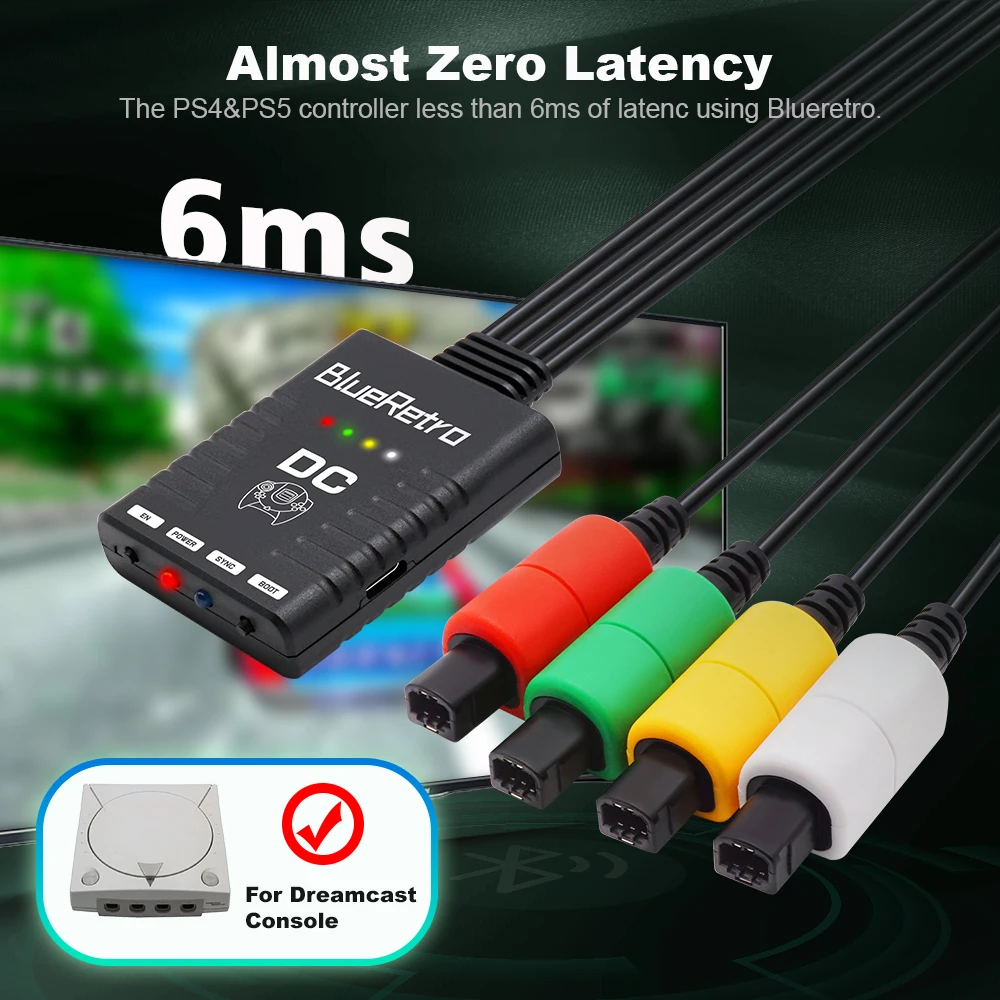
Ultra-low latency offers you an amazing gaming experience smoothly.
FEATURES:
• Only suitable for Dreamcast console.
• Up to 4 Bluetooth controllers can be paired simultaneously.
• Multi-function reset button.
• Support firmware updatable.
• Almost zero latency, the PS4&PS5 controller less than 6ms of latenc using Blueretro.
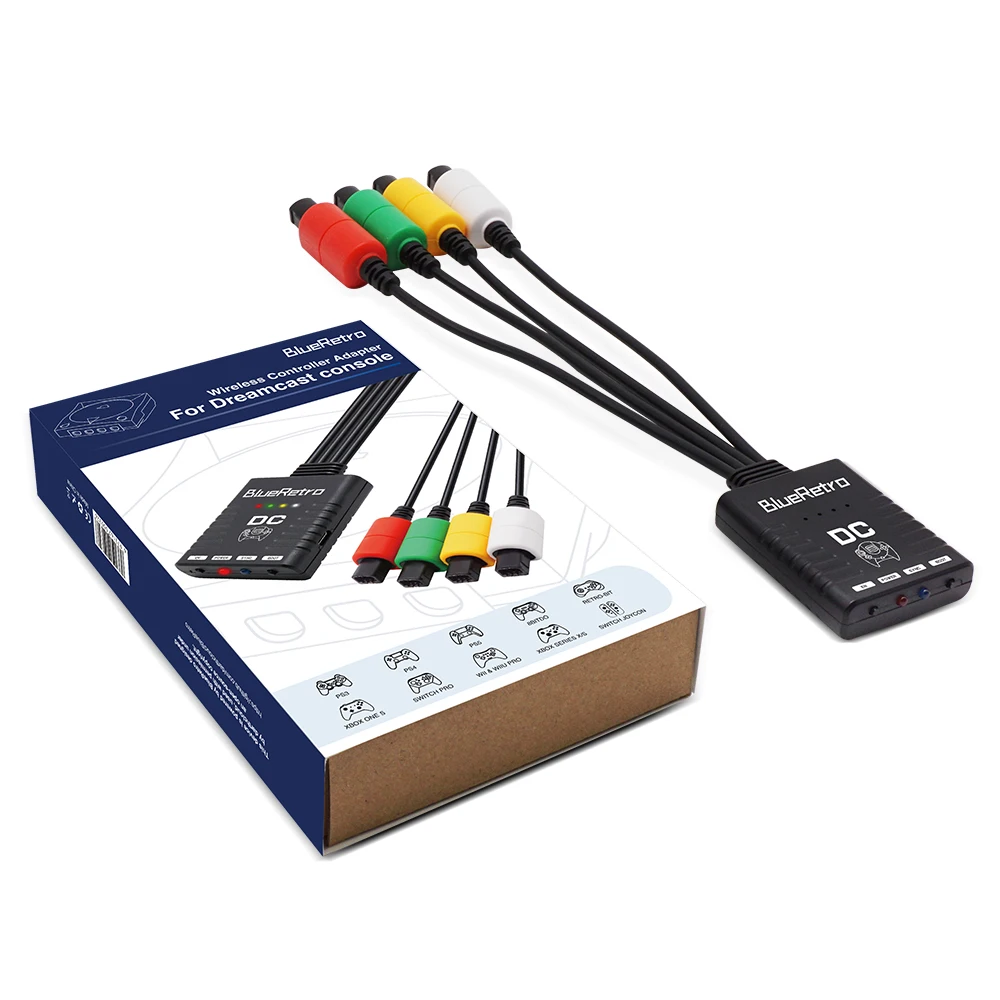
• Compatible Xbox One S/Xbox Series X|S /Wii / Wii U Pro/Switch Pro / Switch Joycon /8bitdo /Retro-Bit PS3/ps4/ps5 Wireless Controller.
• The key value of the buttons can be configured through the web bluetooth port of the Google Chrome.
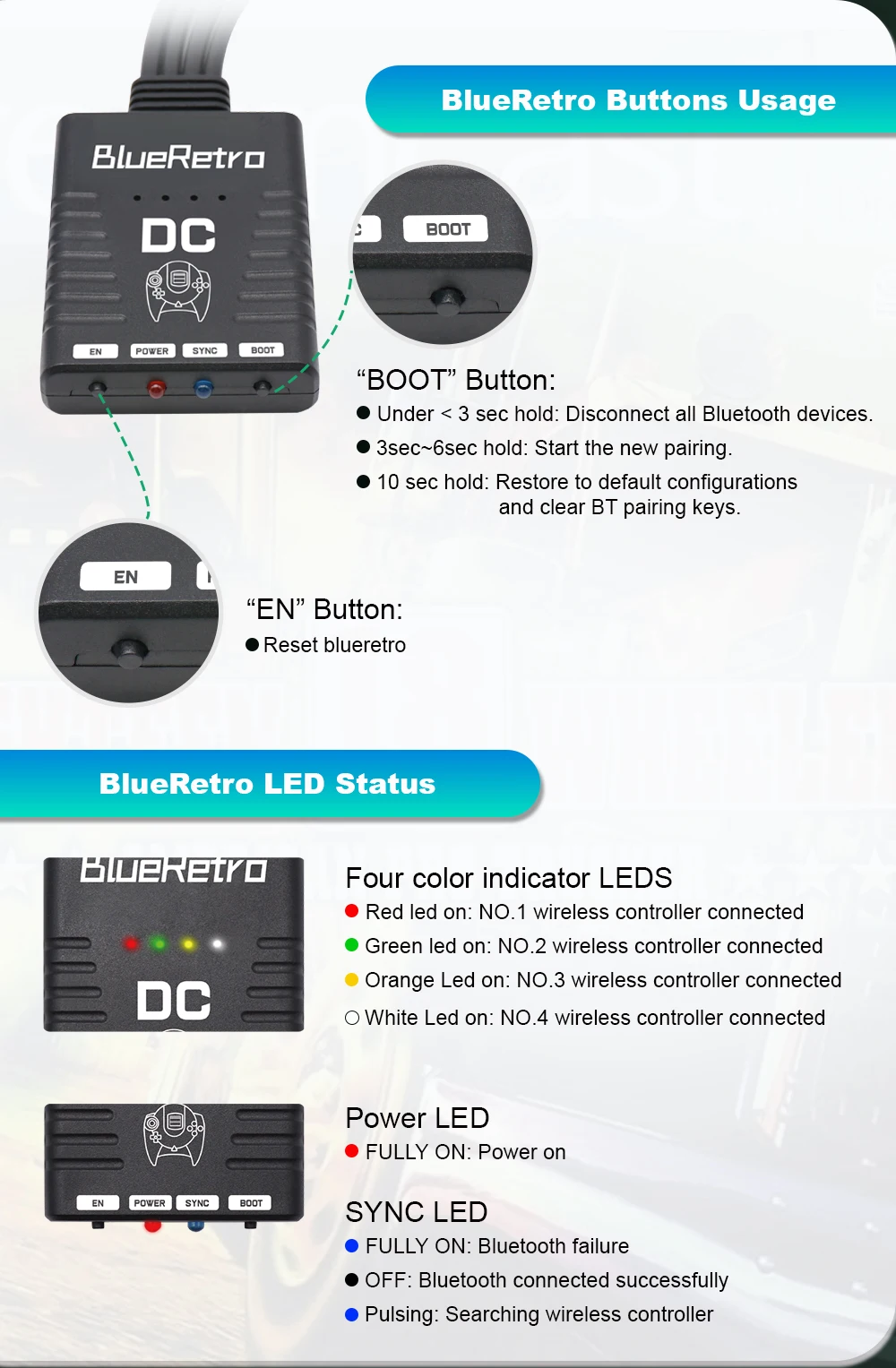
BlueRetro LED Status
Red LED FULLY ON:Power on
SYNC LED FULLY ON: Bluetooth failure
SYNC LED OFF: Bluetooth connected successfully
SYNC LED pulsing: Searching wireless controller
BlueRetro Buttons Usage
EN Button: reset blueretro
BOOT Button:
- Short press: Disconnect all Bluetooth devices and start the new pairing.
- 3 sec hold: Enable Bluetooth inquiry mode (new pairing).
- 10 sec hold: Restore to default configurations and clear BT pairing keys.